

A California court records checklist in 2026 can help residents find public case information, preserve important documents, and prepare more effectively for legal questions. Whether you are researching a civil lawsuit, reviewing a court notice, or organizing records for an attorney, a clear process can prevent confusion.
California introduced changes to public access procedures in 2026. Assembly Bill 1524 addresses public electronic court records that people may view at the courthouse. It also allows individuals to use their own equipment to copy eligible electronic records without a copying charge, subject to protections for record integrity.
However, the law does not make every court document publicly available. Confidentiality rules, sealed records, and other access restrictions still matter.
This guide explains how to locate court records, identify useful documents, and create a practical legal preparation folder. It also covers common mistakes that can lead to missing information or misunderstanding a case.
How to Find California Court Records in 2026
California operates a statewide court system, but individual superior courts maintain many of their own case records. That means the right starting point often depends on the county and type of case.
Before searching, determine whether the matter involves a California state court, a federal court, or an administrative agency.
These organizations use different record systems and access procedures. Searching the wrong system can waste time or create the false impression that no case exists.
Identify the court, county, and case information
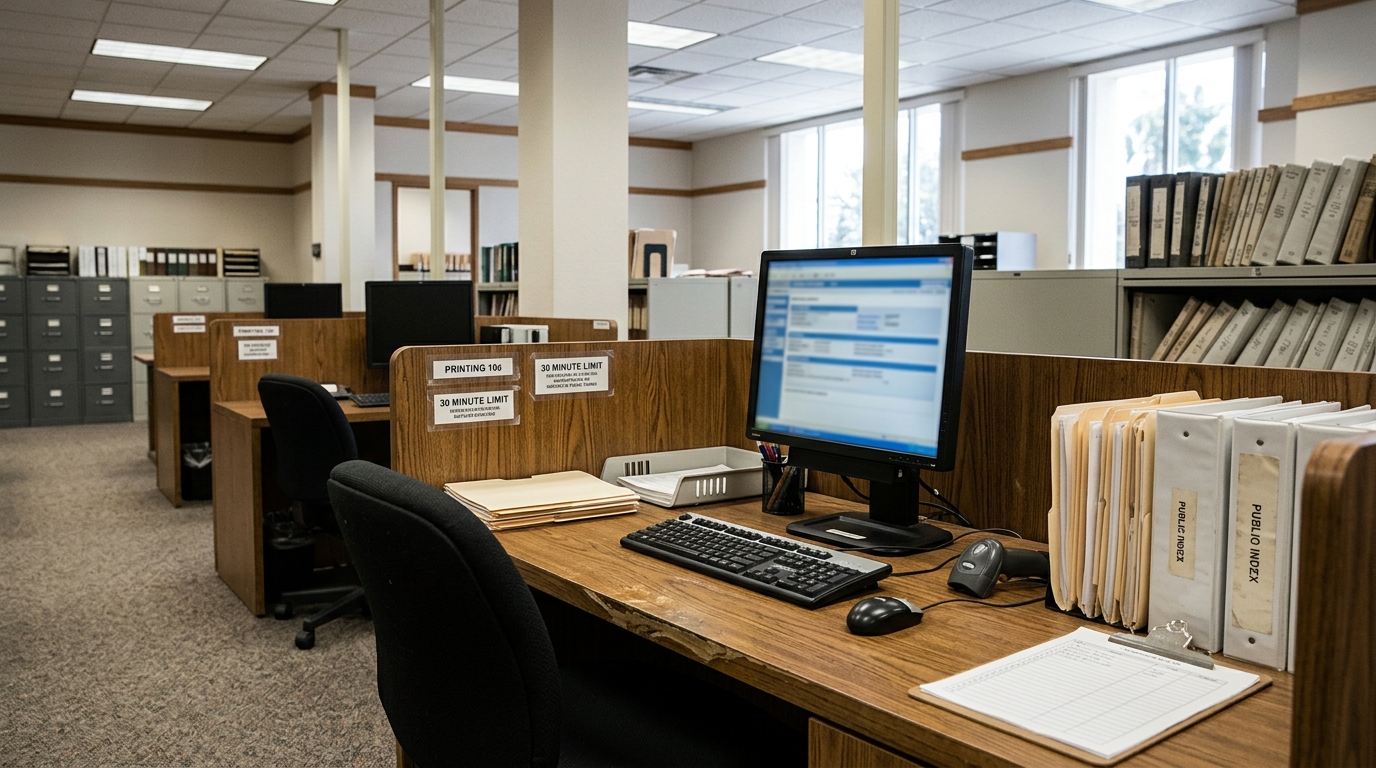
Start with the name of the court handling the matter. For most California state trial cases, this will be a superior court in a specific county.
Next, collect the case number, names of parties, and approximate filing date. A case number often produces a more reliable result than a name alone.
If you do not have a case number, some courts provide name-based public searches. Availability and search functions differ by county.
Remember that identical names can appear in unrelated lawsuits. Compare available identifying details before deciding that a search result concerns your case.
What information should you gather before searching?
Prepare a short list containing the court name, county, case number, party names, and any important dates.
Add the type of case if you know it. Examples include civil, small claims, probate, family law, or appellate proceedings.
Keep copies of any court notices, summonses, or correspondence that mention the case number.
If another person gave you the information, record where it came from. That way, you can distinguish verified court details from unconfirmed statements.
Use the Legal Checklists library to organize the information before beginning your search.
Why court records and case summaries are different
A public case-search page may show the parties, filing dates, hearings, and a list of documents. Courts often call this list a docket or register of actions.
However, the docket may not contain the complete documents themselves.
For example, a docket entry might indicate that someone filed a motion. You may need to request or view the actual motion to understand its arguments.
Similarly, a hearing date does not explain the final outcome unless the record includes a corresponding order or other reliable entry.
Avoid interpreting a short case summary as a substitute for reviewing the relevant document.
Understand California’s electronic court record access changes
California’s AB 1524 is relevant to people who visit a courthouse to examine public electronic records.
The California Courts’ official summary explains that the law permits members of the public to use their own equipment to copy records they can view electronically at the court without a copying charge.
The court must still protect the integrity of its records.
This change can help people who need to save eligible documents for later reference. However, it does not eliminate every fee associated with court services or guarantee remote access to all documents.
What the 2026 access rules do not guarantee
Courts may restrict access to records involving protected personal information, sealed proceedings, or confidential case categories.
Some records allow limited public viewing, while others require a court order or proof of eligibility.
The ability to copy a record at a courthouse does not necessarily mean the court must provide it through an online portal.
Nor does a personal copy automatically qualify as a certified court record.
If an agency, employer, or legal proceeding requires a certified copy, ask the court clerk about the correct process and applicable fees.
For the legislative overview, read California Courts’ summary of new laws taking effect in 2026.
How to Save and Organize Court Documents for Legal Preparation
Finding documents is only part of the process. You also need a reliable way to organize them without losing important dates or confusing different versions.
A simple folder system can help you prepare for a legal consultation, respond to a notice, or review your own case history.
You do not need expensive software. Clearly named folders, a document index, and a short timeline can make a substantial difference.
Build a court records checklist and document timeline
Start with one main folder for the legal matter. Give it a clear name that does not disclose unnecessary personal information.
Inside that folder, separate court documents, correspondence, evidence, financial records, and personal notes.
Save each downloaded document in its original format when practical. Avoid replacing original files with screenshots that omit pages or important details.
Create a simple index containing the document name, filing date, source, and purpose.
Then arrange key events in chronological order. Include the dates of notices, hearings, filings, and court orders.
Which documents belong in your preparation folder?

Start with the complaint or petition when you can lawfully access it. This document generally identifies what the filing party asks the court to address.
Add any summons, responses, motions, hearing notices, orders, and judgments relevant to your research.
Keep proof of service and delivery records when they matter. These records may help establish when someone received a legally significant document.
Preserve emails and letters from attorneys, agencies, and other parties. However, store confidential communications securely and avoid sharing privileged materials without professional guidance.
For disputes involving online transactions, our Online Purchase Scam Checklist explains how to preserve payment records, communications, and supporting evidence.
Use consistent filenames. For example, a date followed by the document type and a short description makes records easier to locate.
Maintain a backup copy in a secure location. If the matter involves sensitive personal information, choose storage methods that protect access.
Do not assume that every document you find online is complete or current. Check whether the court has filed an amended version or entered a later order.
Keep earlier versions when they remain relevant to the case history.
If you plan to share documents with an attorney, prepare a brief summary explaining what each important record contains.
Focus on facts rather than guesses. Identify the information you can verify and separately note the questions you still need answered.
When reviewing an order, pay attention to the judge’s instructions, the date of entry, and any stated deadlines.
Legal deadlines can depend on the kind of proceeding, the method of service, and other procedural rules. A date appearing on a document does not always tell you when your response is due.
Do not calculate a filing deadline using a general internet example when your situation may involve different requirements.
If a deadline appears close or unclear, contact the court’s self-help resources or a qualified attorney promptly.
Courts can provide procedural information, but court staff generally cannot offer individualized legal advice.
Also, avoid uploading sensitive court documents into unfamiliar AI tools without understanding their privacy practices.
Some case records contain medical details, financial information, addresses, or confidential communications.
Our AI Legal Questions Checklist explains how to check legal information and consider privacy before using online technology.
AI tools may help explain unfamiliar terminology, but they can misinterpret documents or invent legal rules.
Whenever a tool summarizes an order or statute, compare its explanation with the actual source.
Do not rely on an AI-generated description to decide whether a judge has dismissed a lawsuit, granted a request, or imposed a deadline.
If a dispute involves divorce or custody, you may need additional precautions when preserving messages, photographs, and other personal information.
Our Social Media During Divorce Guide discusses digital evidence preservation and the risks of deleting or altering relevant materials.
Preserving records does not mean publishing them. Keep sensitive documents private unless a legitimate legal or procedural reason requires disclosure.
When copying court records, follow posted courthouse rules and instructions from authorized staff.
Some facilities restrict photography, recording equipment, or other activities in particular areas.
Do not photograph people, security procedures, or restricted materials simply because your phone can capture images.
For records you obtain from a courthouse, note the date you accessed them. This helps distinguish the information available at that time from later developments.
Review your document index periodically. A new order, amendment, or hearing notice may change which materials deserve attention.
Before meeting with an attorney, prepare a concise list of questions about the case status, relevant evidence, possible deadlines, and next procedural steps.
You can also identify documents you could not locate. An attorney may be able to explain whether those materials exist and how the rules govern access.
For people representing themselves, the California Courts Self-Help Guide offers official information about common court procedures and legal topics.
Remember that court procedures vary between counties and case types. A method that works in a civil lawsuit may not apply to probate, juvenile, or family law records.
A California court records checklist in 2026 provides a practical way to prepare, but it cannot replace jurisdiction-specific rules.
Start by identifying the correct court. Next, collect reliable case information, check public access options, and save permitted documents carefully.
Finally, create a timeline, protect sensitive information, and bring focused questions to a qualified legal professional when necessary.
With these habits, you can approach court records more confidently and reduce the risk of overlooking important information.
Legal disclaimer: This article provides general educational information and does not constitute legal advice. Court access, confidentiality rules, copying procedures, and filing deadlines vary by jurisdiction and circumstances.